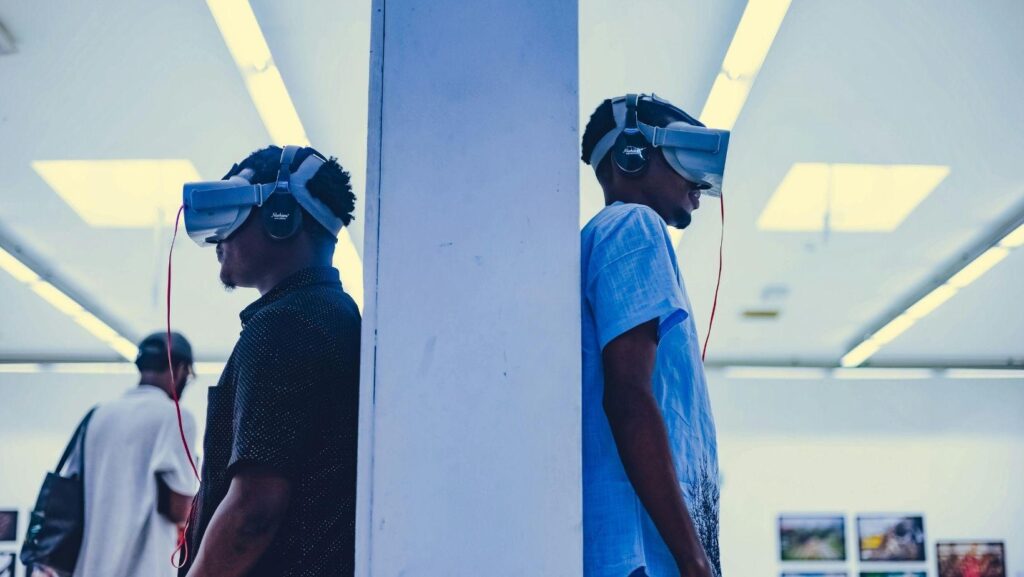
Virtual Reality has basically flipped how we interact with digital spaces on its head. It’s not just about gaming or messing around in virtual worlds anymore, it’s fully creeping into real-deal work environments. Offices, training setups, remote collaboration hubs, all that. But as VR becomes more of an everyday tool, some legit health concerns are starting to get way more attention, especially motion sickness.
Understanding VR motion sickness
Motion sickness in VR is basically when your brain gets confused in the worst possible way. You’re seeing movement on a headset, but your body is just standing or sitting still in real life. That mismatch creates a sensory clash. Your brain’s like “wait, something’s off here.” That’s when things start going sideways.
People usually feel it as dizziness, cold sweats, nausea, sometimes even headaches that hit out of nowhere. It’s not just annoying either, it can totally cut sessions short and make VR workspaces feel unusable for some users.
The role of hardware in reducing VR motion sickness
Hardware makes a massive difference here, no cap. If the headset is laggy or has a low refresh rate, your eyes pick up delayed or jittery motion, which just makes the whole sickness thing worse. High latency is basically the enemy in VR because even a tiny delay between movement and display can throw your senses off.
This is where the Pico 4 Ultra Enterprise comes in. It’s built with performance in mind, meaning smoother frame rates and way lower latency. In simple terms, the visuals feel more synced up with your head movements, so your brain isn’t constantly second-guessing what’s happening. It also has a pretty solid ergonomic design, so you’re not dealing with pressure points or discomfort if you’re wearing it for long work sessions. That matters more than people think when VR shifts from “fun demo” to “daily tool.”
Addressing health concerns through design
Hardware is only half the story though. The actual VR environment design plays a huge role in whether users feel fine or completely wrecked after using it.
Good VR workspace design tries to keep things stable and predictable. Sudden camera movements or fast scene shifts? Yeah, those are usually a bad idea. A stable horizon line helps the brain stay oriented, so users don’t feel like the world is tilting or spinning unexpectedly. Even small details like keeping movement smooth instead of jerky can make a noticeable difference.
Another key thing is giving users control. Not everyone reacts the same way in VR. Some people can handle faster movement speeds or wider fields of view, while others need things dialed way down. So letting users tweak their settings is kind of a must. It’s basically about letting people find their own comfort zone instead of forcing a one-size-fits-all setup.
Also, having a visible avatar or body representation inside VR helps reduce disorientation. It gives your brain a reference point, like “oh yeah, this is where I am in space,” which can seriously help with reducing that floating, disconnected feeling.
Embracing the future with care
VR workspaces are definitely pushing into some cool territory. We’re talking about better remote teamwork, immersive training, and digital environments that actually feel useful instead of gimmicky. But none of that really matters if users feel sick or uncomfortable every time they put a headset on.
So yeah, health stuff like motion sickness isn’t just a minor side issue, it’s kind of central to whether this tech actually works in real-world settings. If people can’t use it without feeling off, adoption is going to stall, no matter how advanced the tech gets.
A common mistake in VR workspace implementation
One of the biggest mistakes companies make when rolling out VR workspaces is ignoring the physical impact on users. There’s often this assumption that people will just “get used to it,” but that’s not really how motion sickness works.
Skipping proper testing with real users or not adjusting environments based on feedback leads to setups that look impressive on paper but fail in actual use. Another issue is pushing long sessions too early. If users aren’t gradually introduced to VR, their tolerance doesn’t really have time to build up.
And honestly, not giving people breaks or ignoring early signs of discomfort just makes everything worse. VR isn’t something you just throw at employees and hope it sticks. It needs pacing, adjustments, and a bit of patience to actually work in a workplace setting.