
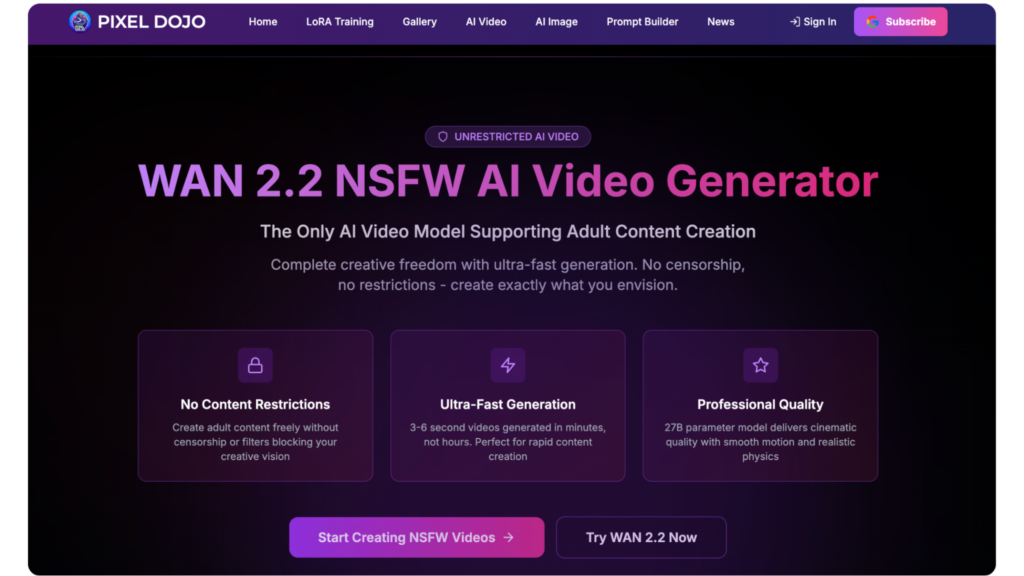
Using Wan video technology, users generate videos by typing in text or uploading an image prompt.
The videos come out professional-looking with text-to-speech, cinematic effects, and without the need for advanced knowledge in video editing.
The guide gives practical tips on transforming Wan video outputs into more impactful and creative outputs.
Follow the WAN Video Prompting Guide Early
The WAN Video Prompting Guide provides essential techniques for structuring prompts that deliver coherent, detailed results.
By starting with core subjects and then branching out with visuals, audio, and time constraints, the model can produce more versatile and efficient outputs with fewer errors and higher quality from the start.
Use a hierarchy of descriptions.
For example, describe that a character walks into a room, then the room, then the character in it.
From the beginning, the model will need to present accurate movements and sound appropriate.
Grasp Wan Video Fundamentals
The architecture of WAN video models is designed to convert the source description into the video and provide consistent features across different input types, such as text-to-video or images-to-video.
Furthermore, native audio generation includes the dialogue of the scene, and ambient sounds, as well as ambient music.
The default prompts are subject, motion, and mood.
More advanced features include style controls and simulation of professional cinematography, creating more photorealistic and aesthetically pleasing images.
Strategy 1- Craft Precise Prompts
Good prompting in Wan videos elaborates who is present, what they do together, what lighting they are in, and what kind of shot is being used, with verbs and adjectives describing the feeling and actions, and sequencing words like “pan left then zoom” describing flow.
This would require multiple iterations with different word choices to reduce artifacts and improve audio-visual synchronization, and special emphasis on emotional tones and interactions to convey subtle character emotions.
Strategy 2- Master Native Audio Sync
Text-to-speech features that generate naturalistic speech and sound effects from textual prompts, with control of diction, tone, and accent for lip synching talking-head videos, and effects like background music or ambient noise for improved immersion.
Scenes can be scripted in their entirety, allowing actors to practice timing and delivery.
Multi-language support increases their potential audience.
Strategy 3- Extend Clips for Narratives
Have prompts advance in phases (introduction, climax, resolution, etc.) in order to create compelling narratives over extended times.
Have prompts advance to maintain interest without sacrificing quality (e.g., fades).
Chain generations, using previous outputs as inputs for continuity.
Best for teasers or social media snippets, this pacing keeps audiences engaged.
Chunking topics creates a smoothly flowing narrative, capturing and maintaining attention.
Strategy 4- Tailor for Social Formats
Keep compositions centered for the video ratios 9:16 or 16:9.
Export in a high resolution so that playback on all devices is smooth and clear.
Or, add quick cuts or text overlays per instructions to make it trending.
Mobile optimization prevents cropping and improves shareability on fast-moving content platforms like TikTok and Instagram.
Strategy 5- Boost Fidelity with Styles
Use noir or brightly animated aesthetics.
Describe shadow and light patterns, such as soft glows or oppressive shadows.
Layer color palettes and textures for branding consistency.
Experimentation refines these controls, turning generations into visually appealing output.
Pixel Dojo becomes a key site of influencing design trends in this visual space.
Strategy 6- Use Image-to-Video Customization
Animate uploaded images without losing detail, walk along simulated paths, and combine with simulated audio, for example, to create promotional material for characters’ walks.
This speeds workflows for avatars or sketches.
Prompt iterations for custom scenes and asset re-use across projects may be rigid or exhaustive.
Strategy 7- Blend Multi-Modal Inputs
Combine text and images for the most accurate hybrid generations.
You may also use the generated narration to describe the effects of items like wind.
Experiment with the model across different sessions and save your favorite combos.
Its versatility makes it suitable for everything from demos to abstract art.
Strategy 8- Iterate for Refinement
Check outputs for problems, such as movement looking unnatural, and prompt for corrections.
Further, identify recurring issues, such as crowding.
Batch variations to quickly find the best.
Keep a log of enhancements to ease future work. Fidelity improves through repetition of iteration cycles.
Strategy 9- Build Professional Pipelines
Automate repetitive tasks, such as batch-producing avatars or prompting genre-specific music to match teaser visuals, to achieve efficient results at greater volumes.
Embed these strategies into scalable workflows, and encourage responsible practices such as watermarking.
Strategy 10- Advance with Updates and Ethics
Track changes to physics simulation, duration, and other tools, and learn additional tools for cross-training.
Explore community prompt libraries for new ideas.
Reveal where AI technologies originate and how they are engaged with.
Prioritize responsible creation.
Additional Mastery Tips
Prompts can be fine-tuned for specific physics or crowd behaviors, or combined with hybrid aesthetics, and viewer retention can be tracked.
Blend layers for richer sound.
Scale ethically by balancing automation with human oversight.
These techniques enable creators to produce Wan videos similar to rigid media and develop ordinary clips into engaging and persuasive stories.






